
You have some crypto assets, maybe Bitcoin, Ethereum, Solana or some stablecoins like USDT or USDC. But it shouldn’t just sit in your wallet. You should be able to spend it or cash out into your bank account. That’s where having a Resolva account comes in handy.
The Resolva app lets you go from crypto to bank transfers instantly. With the Receive feature, you send crypto and receive Naira directly in your bank at sweet rates that actually make sense. On the other hand, the Send feature lets you send crypto and Naira is credited into any bank account of your choice in seconds. This means you can skip the long and stressful process of converting first before making bank transfers.
Ready to start spending your crypto as naira? This guide walks you through setting up a Resolva account from scratch.
Table of Contents
What Can I Do with a Resolva Account?
Once you’re set up and verified, you can send crypto directly to any Nigerian bank and it will receive the funds in Naira instantly. This means you can cash out or pay anyone with crypto.
From freelancers who get paid in crypto and want to spend their assets like normal cash, to remote workers cashing out earnings or traders locking in profits, Resolva lets anyone use their crypto in the real world.
All you need to get started is your email, phone number, and bank verification number (BVN).
Why Resolva?
There’s no shortage of options for converting crypto to Naira. But most of them make you pay for the privilege through time, bad rates, or even both. Resolva is built differently. Resolva doesn’t just let you convert crypto to Naira, it goes a step further by letting you convert crypto into a bank transfer to anyone. This means you can skip the conversion stress altogether and pay anyone directly with your crypto even if they do not know what crypto is.
Pay Anyone without Converting First
Send crypto, and it arrives as Naira in any bank account you want. No need to convert to cash first before making a bank transfer.
Transactions at the Speed of Light
When you transfer crypto assets through Resolva, Naira hits the bank account almost instantly. We have no records of failed transactions.
Sweet, great rates
We offer the best rates on every transaction. You see the rate before you confirm. What you see is what you get.
Safe and Secure
Resolva eliminates the risk of scams associated with crypto-to-cash apps, P2P, and vendors on WhatsApp/Telegram. No middlemen. Just fund bank transfers with crypto.
24/7 Customer Support
We’ve got a friendly Support team available round the clock to assist you or take your feedback and suggestions.
No fees or mystery charges
No hidden charges and fees buried in the fine print. Resolva charges no fees for transactions.
How to Set Up Your Resolva Individual Account
The whole process takes less than a minute. Here’s how it works.
Part 1 (Download the App)
Step 1: Get the Resolva app on your phone
Open the App Store (iPhone) or Google Play Store (Android) and search for Resolva. Tap Install and wait for it to download.
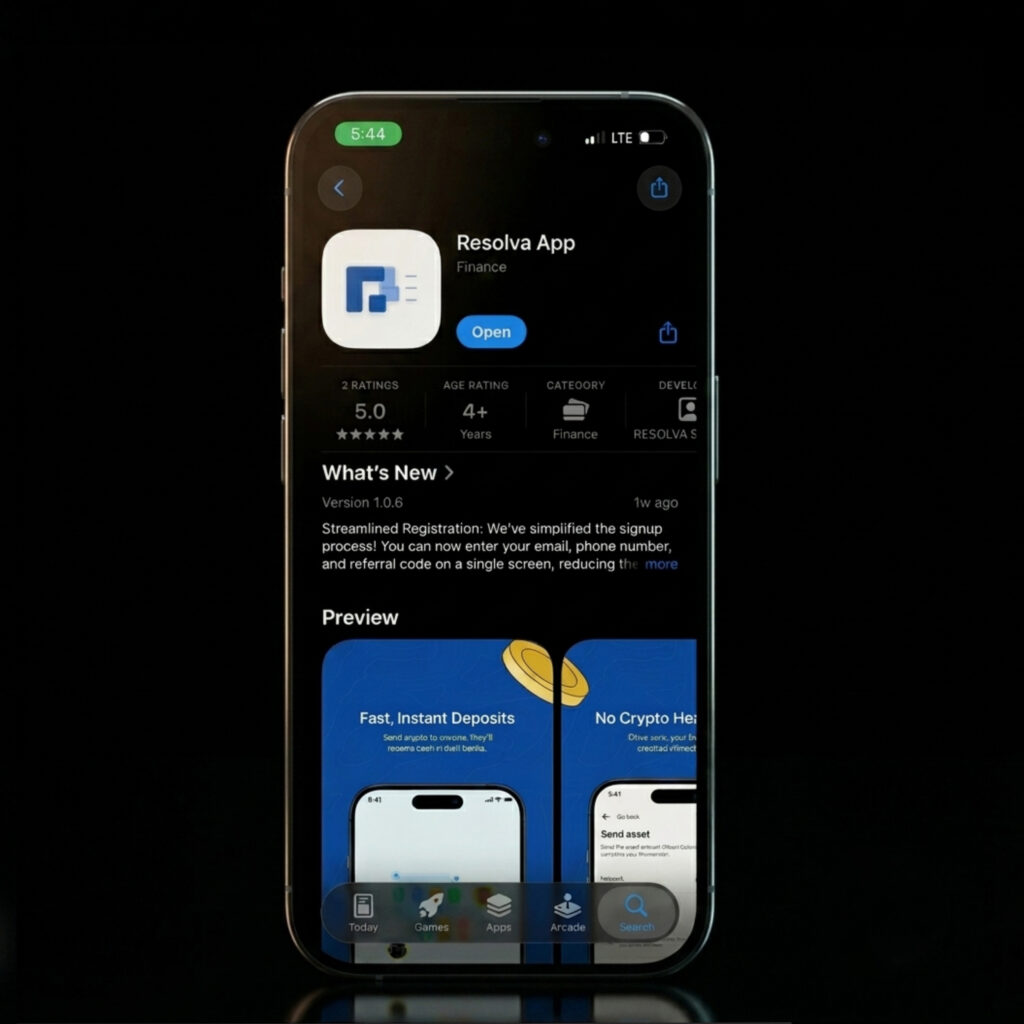
Or go directly:
Part 2: Create Your Resolva Account
Step 2: Open the app and Sign Up
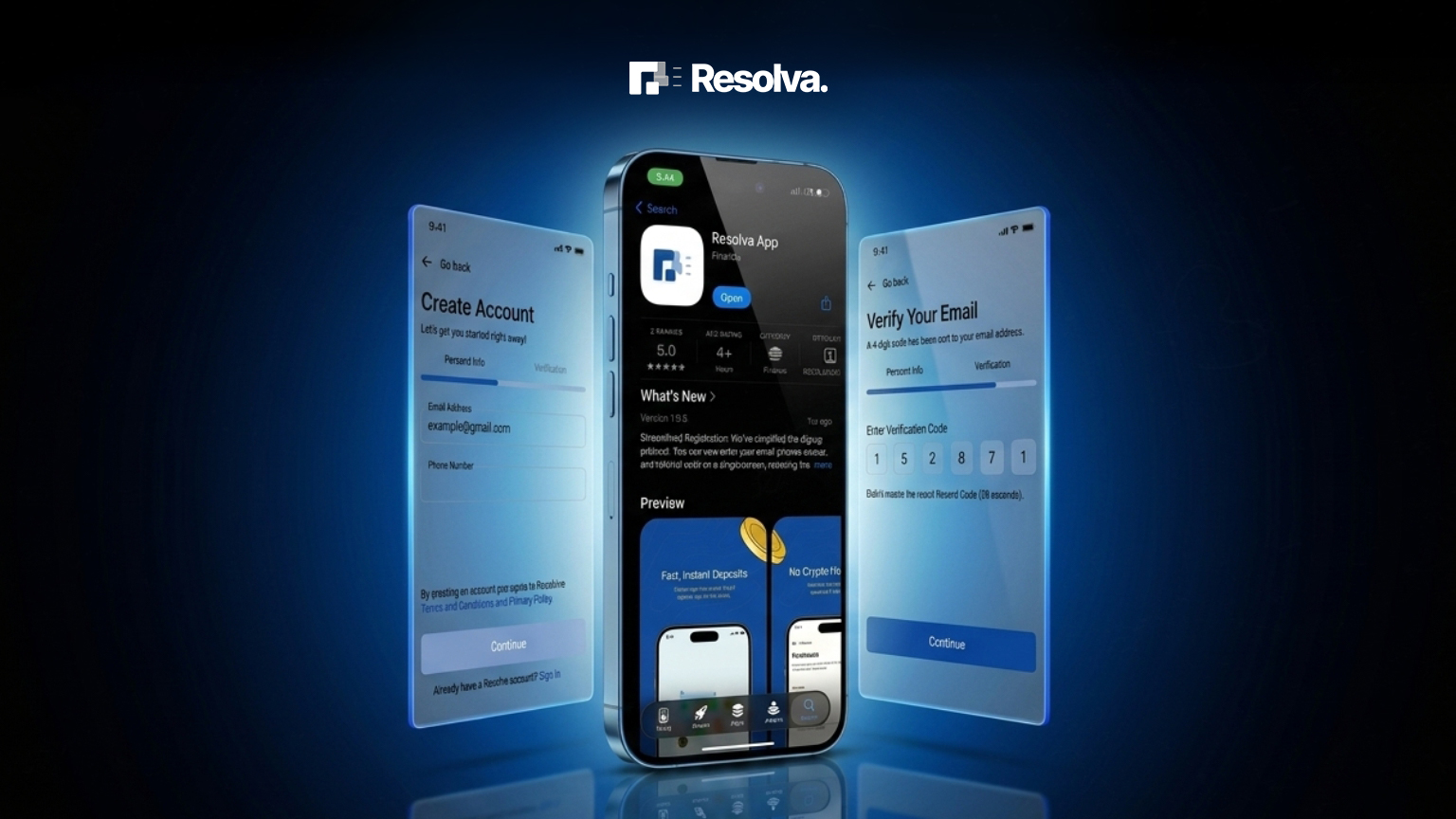
When the app opens, you’ll see the welcome screen. Tap Create Account to get started.
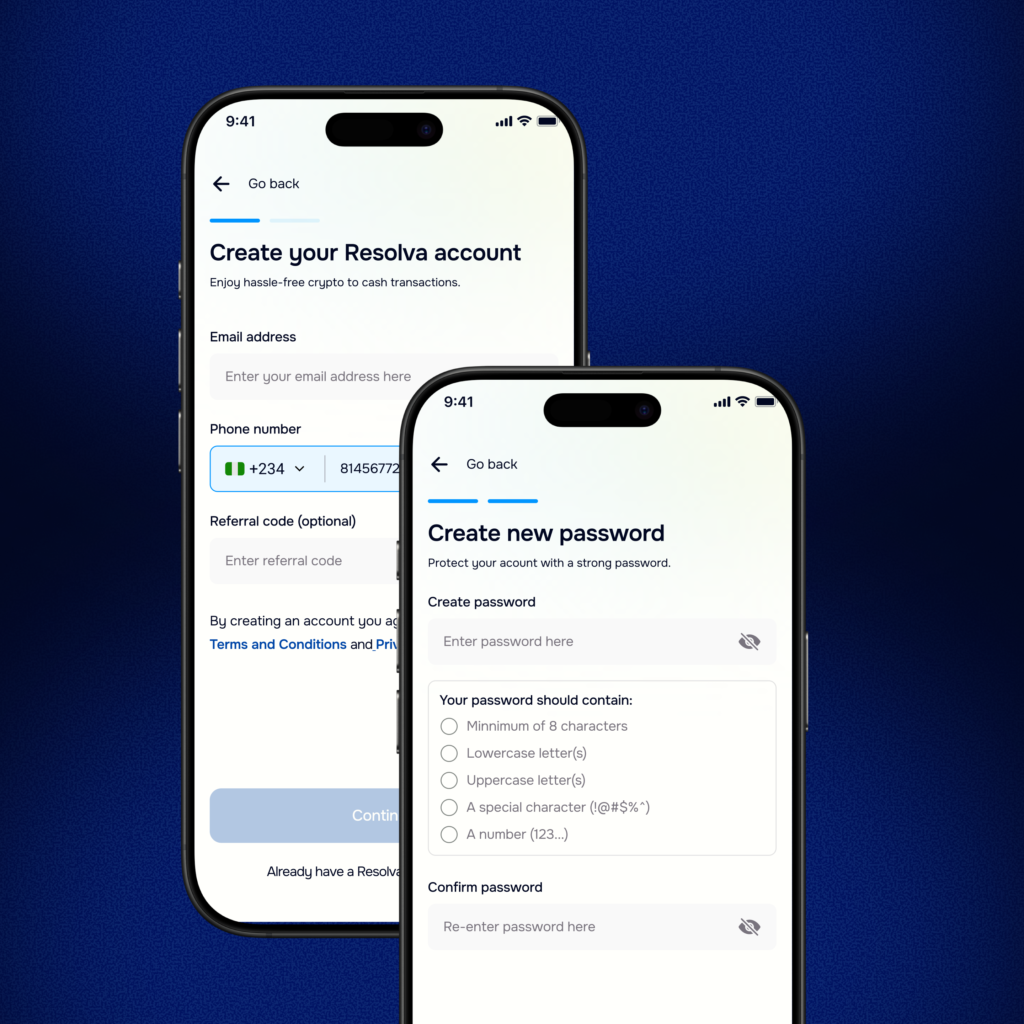
Step 3: Enter your details
Fill in your:
- Email address
- Phone number
- Password
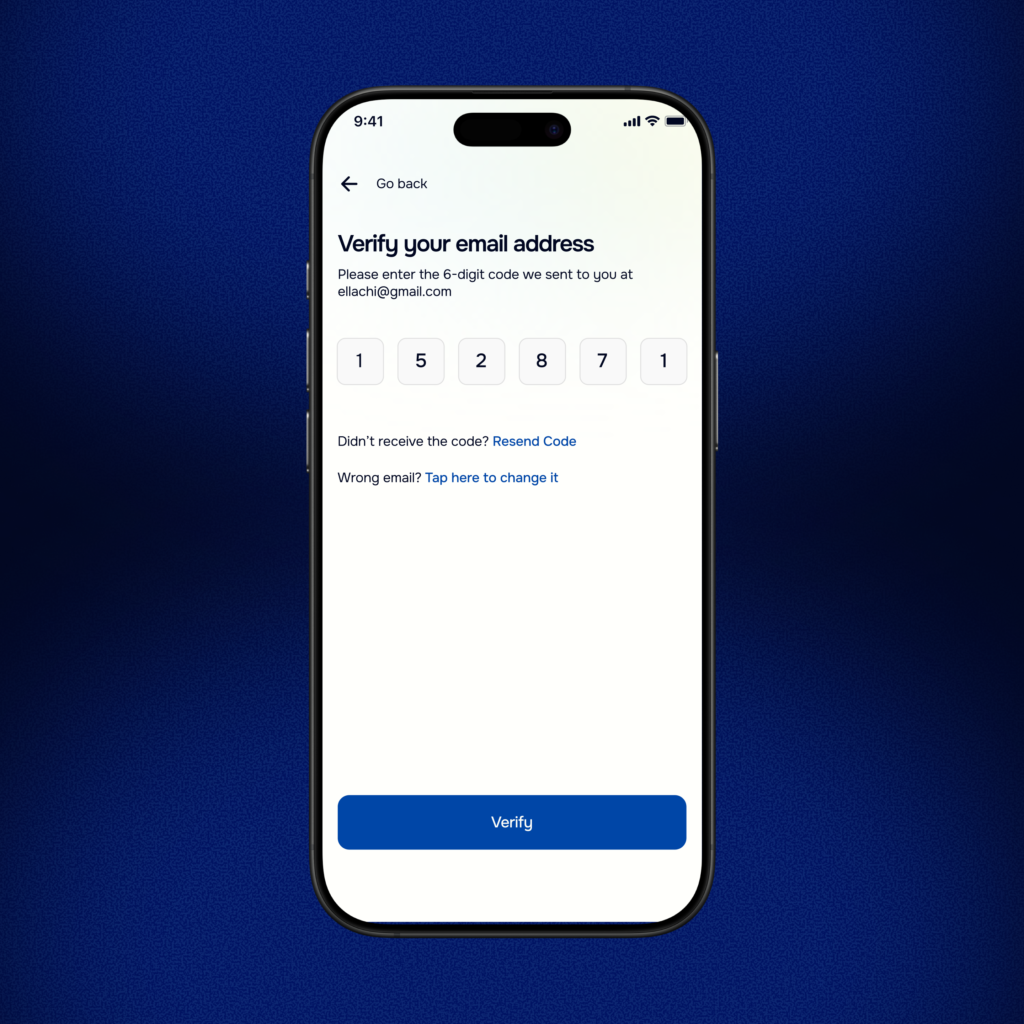
Step 4: Verify your email
Check your inbox for a verification email from Resolva. Enter the six-digit code in the input box. If you don’t see it within a minute, check your spam folder.
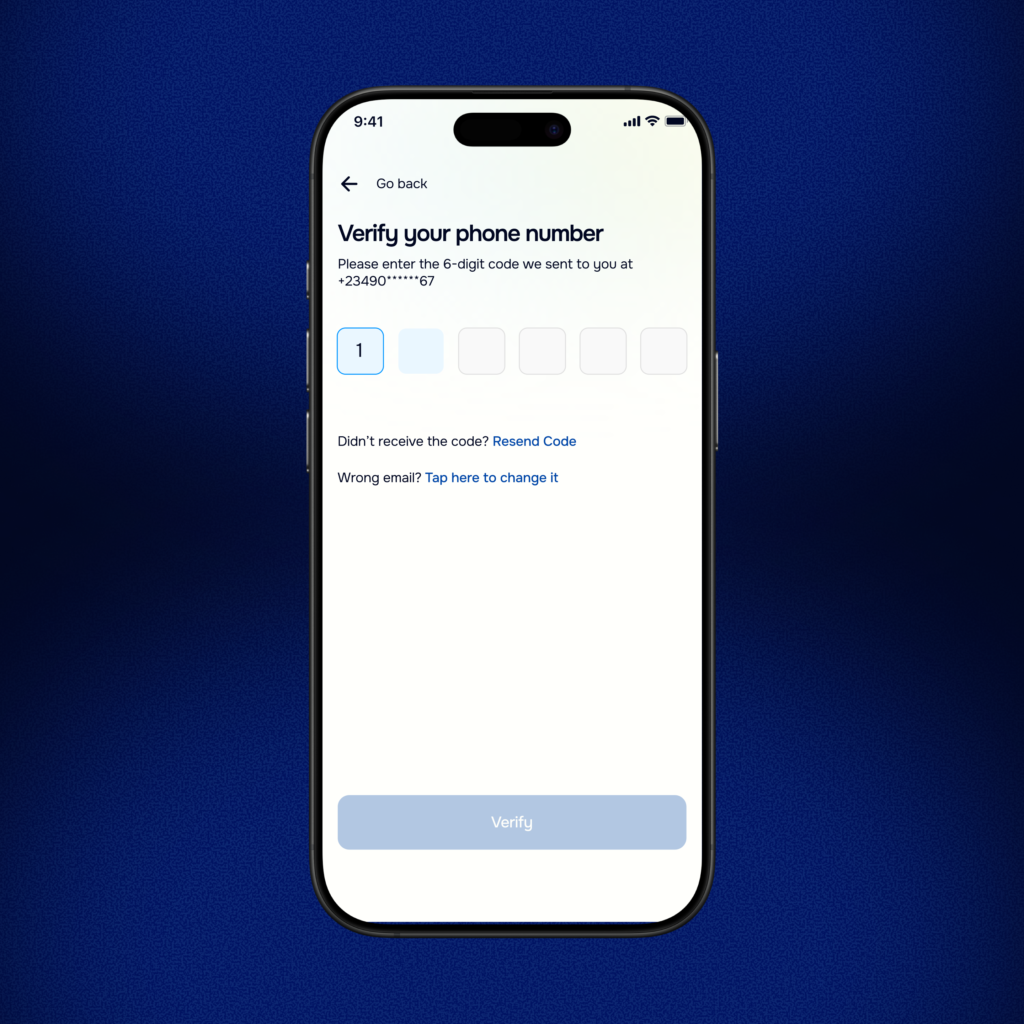
Step 5: Verify your phone number
Check your SMS inbox for a verification code from Resolva. Enter the six-digit code in the input box. If you don’t see it within a minute, you can resend the code.
Part 3 (Complete BVN Verification)
Once your email is confirmed, you’ll be prompted to verify your identity with your BVN. This is a one-time step required by Nigerian financial regulations. It is what unlocks your ability to send and receive funds through Resolva.
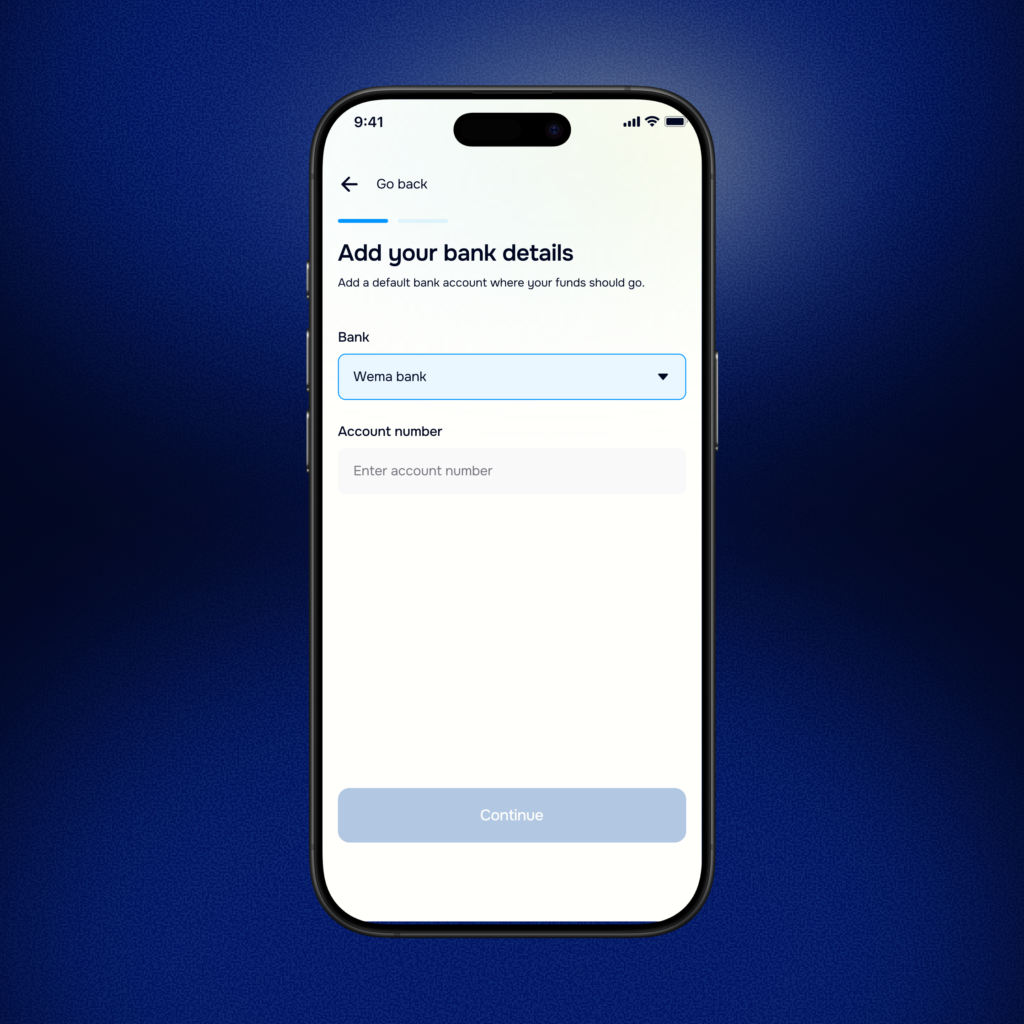
Step 6: Add your bank account details
Select your bank name from the drop down menu and input your bank account number. Confirm that the name that appears is yours then tap continue.
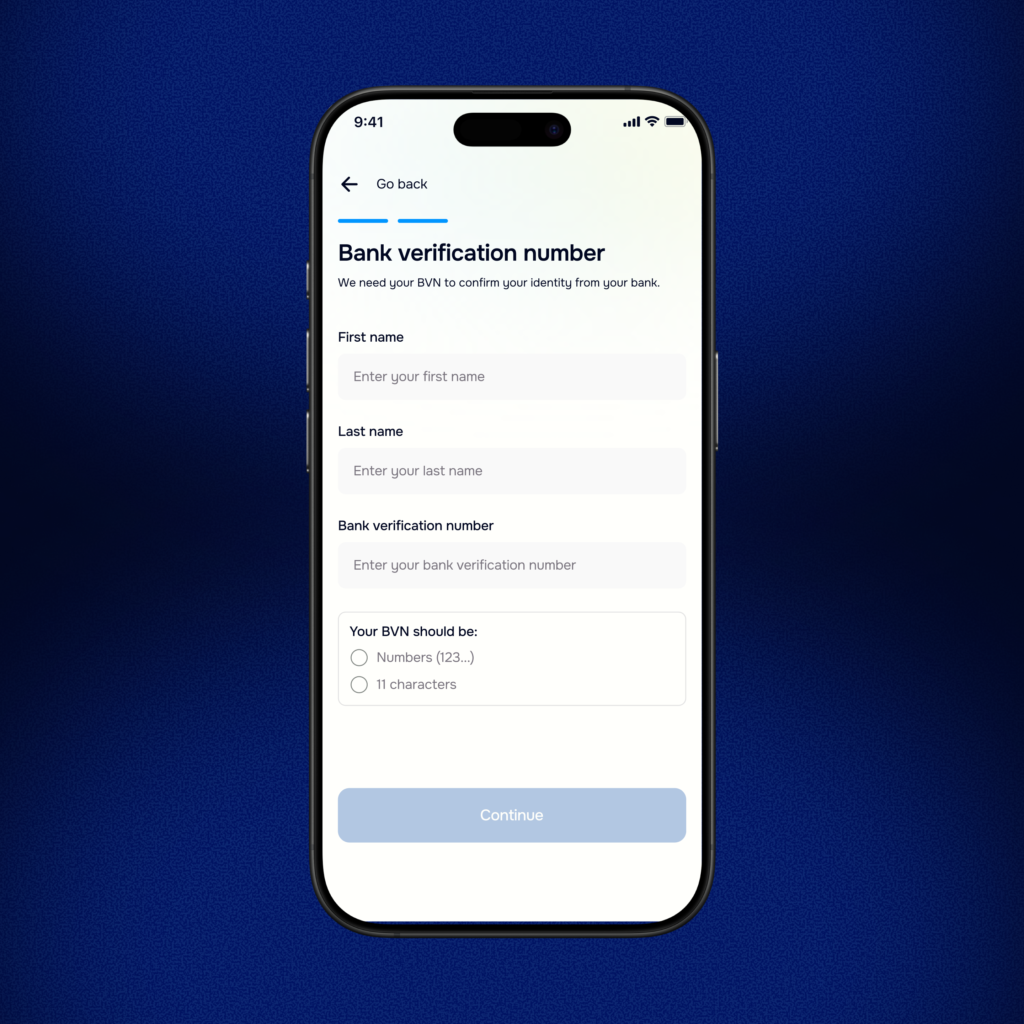
Step 7: Verify with your BVN
Enter your first name, last name and BVN. Don’t know your BVN? Dial *565*0# from any Nigerian network to retrieve it.
| 📌 Note: Your BVN is only used to verify your identity through a secure, encrypted process. We do not have access to your bank account or transactions. |
Verification is instant. Once confirmed, you’ll receive a notification inside the app. Your account is now fully active.
You’re In. Now what?
The moment your BVN is verified, your account is live. You can immediately:
- Send crypto to anyone through Resolva and they’ll receive Naira in their bank accounts
- Convert your crypto assets to Naira at competitive rates and get paid directly in yyour bank account instantly
With no delays, queue, or failed transactions. Crypto in, Naira out. Simple!
Ready to convert crypto to Naira instantly?
Download Resolva on the App Store or Google Play and set up your account in minutes.
Quick FAQs
Is Resolva free to sign up?
Yes. Creating and verifying your Resolva Individual account is completely free.
Which cryptocurrencies can I sell on Resolva?
Resolva supports Bitcoin, Ethereum, Solana, USDT, and USDC. Check the app for the current list of supported assets and their live rates.
How long does it take to receive Naira after transferring my crypto asset?
Payouts are processed instantly. In most cases, the Naira lands in your bank account within 5 seconds of your crypto being confirmed on-chain.
Is my BVN safe?
Yes. Your BVN is used solely for identity verification and is processed through a secure, encrypted system. Resolva does not store or have access to your BVN after verification is complete.
Can I use Resolva without the app?
Absolutely! The experience on both web and mobile is smooth and very much straightforward. However, we have optimized the mobile app for the best experience. The Resolva app is available on both iOS and Android.